
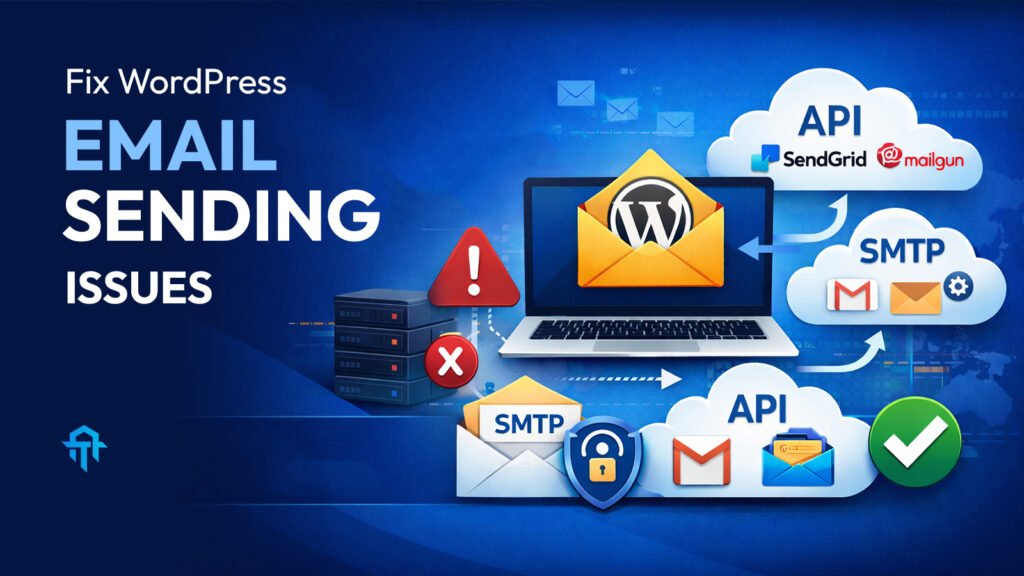
Not receiving emails from your WordPress website? Specifically on those site which are hosted on GoDaddy. Learn why WordPress emails fail, why it happens on new GoDaddy sites, and how to fix it using SMTP and API methods.
Let’s deep dive into the core and understand the full process…
What is the WordPress Mail System?
The WordPress Mail System is the built-in functionality that allows your website to send emails. These emails include contact form submissions, password reset links, order confirmations, notifications, and more. By default, WordPress uses a PHP function called wp_mail(), which relies on your hosting server’s mail configuration to send messages.
However, this default method is not very reliable because it depends entirely on how the hosting server handles outgoing mail. If the server is not properly configured, emails may fail to send or land in spam folders.
How It Works
When a user fills out a form or triggers an action on your website, WordPress processes the request and uses the server’s mail function to send the email. The flow looks like this:
User Action → WordPress → Hosting Server Mail System → Recipient Inbox
If any part of this chain fails — especially the server mail configuration — emails won’t be delivered.
Why Email Configuration Is Not Working
Email issues usually happen because the server is not authenticated to send emails. Modern email providers like Gmail, Outlook, and Yahoo require proper authentication (SPF, DKIM, DMARC). Without these, emails are often blocked or marked as spam.
Many hosting servers either don’t configure this properly or limit outgoing mail to prevent spam abuse.
Why It Stopped Working on Newly Launched GoDaddy Websites
Recently, GoDaddy has tightened its email sending policies. On newly launched hosting accounts:
- PHP mail function may be restricted
- Server mail authentication is not pre-configured
- Outgoing emails are blocked unless SMTP is used
- Shared hosting security rules are stricter
So, WordPress emails that once worked automatically now fail silently.
Why It’s Still Working on Old GoDaddy Websites
Older websites were hosted under previous server configurations where:
- Mail sending restrictions were looser
- Legacy server permissions allowed PHP mail
- IP addresses were already trusted
These sites are essentially running under “grandfathered” settings, which is why emails still send.
Why It Works on Other Hosting Providers
Modern hosting providers like Hostinger, SiteGround, Cloudways, or Bluehost pre-configure mail authentication or recommend SMTP from the start. They also have better server reputation and mail routing systems, making WordPress emails more reliable.
How to Fix It
The solution is to stop relying on the default PHP mail function and instead use authenticated email delivery. There are two professional methods:
SMTP Method
SMTP (Simple Mail Transfer Protocol) sends emails through a real email server.
Steps:
- Install a plugin like WP Mail SMTP
- Connect to an email provider (Google Workspace, Outlook, Zoho, etc.)
- Enter SMTP host, port, username, and password
- Enable SSL/TLS encryption
- Send a test email
This method ensures your emails are verified and delivered properly.
API Method (Recommended)
API-based email services are more powerful and reliable.
Popular services:
- SendGrid
- Mailgun
- Amazon SES
- Brevo
Instead of using a mailbox login, WordPress connects directly to the email provider via API keys. This improves:
- Deliverability
- Speed
- Security
- Spam protection
WordPress email issues on GoDaddy are not a website bug — they are a server mail configuration problem. New GoDaddy servers restrict default email sending, which is why contact forms and notifications stop working.
The best solution is to switch to SMTP or API-based email sending, ensuring secure authentication and reliable delivery. Once configured properly, your website emails will work smoothly regardless of hosting restrictions.
If your forms aren’t sending emails, don’t panic — it’s fixable, and now you know exactly how. If you’re having issues with your site, and need any kind of assistance. I’m always here to help. Reach out to me here: https://tanveerapon.com/contact/